Your website's forms, fully handled — free.
Register your site, add a few lines of code, and every submission is stored, screened, and sent to your inbox. No backend to build. No server to maintain.
A form is easy to design. Making it work is the part that costs a week — a server to receive it, a database to keep it, a mail service that actually delivers, and spam handling on top. WebForm is all of that, ready to use.
Works with any site — static HTML, React, Next.js, Webflow. WordPress plugin coming soon.
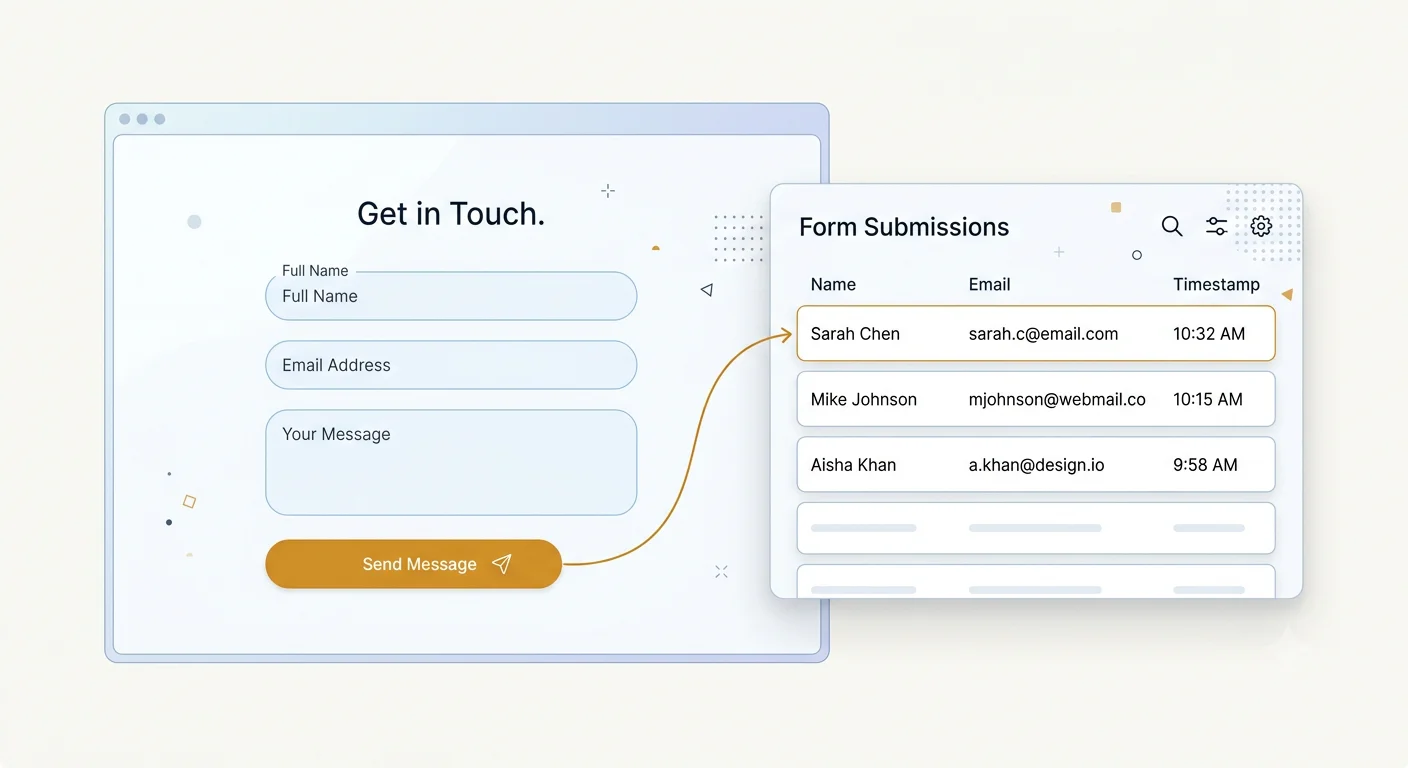
A form on a page is just markup.
The moment it needs to do something real, the work starts — and none of it is work your visitors will ever see.
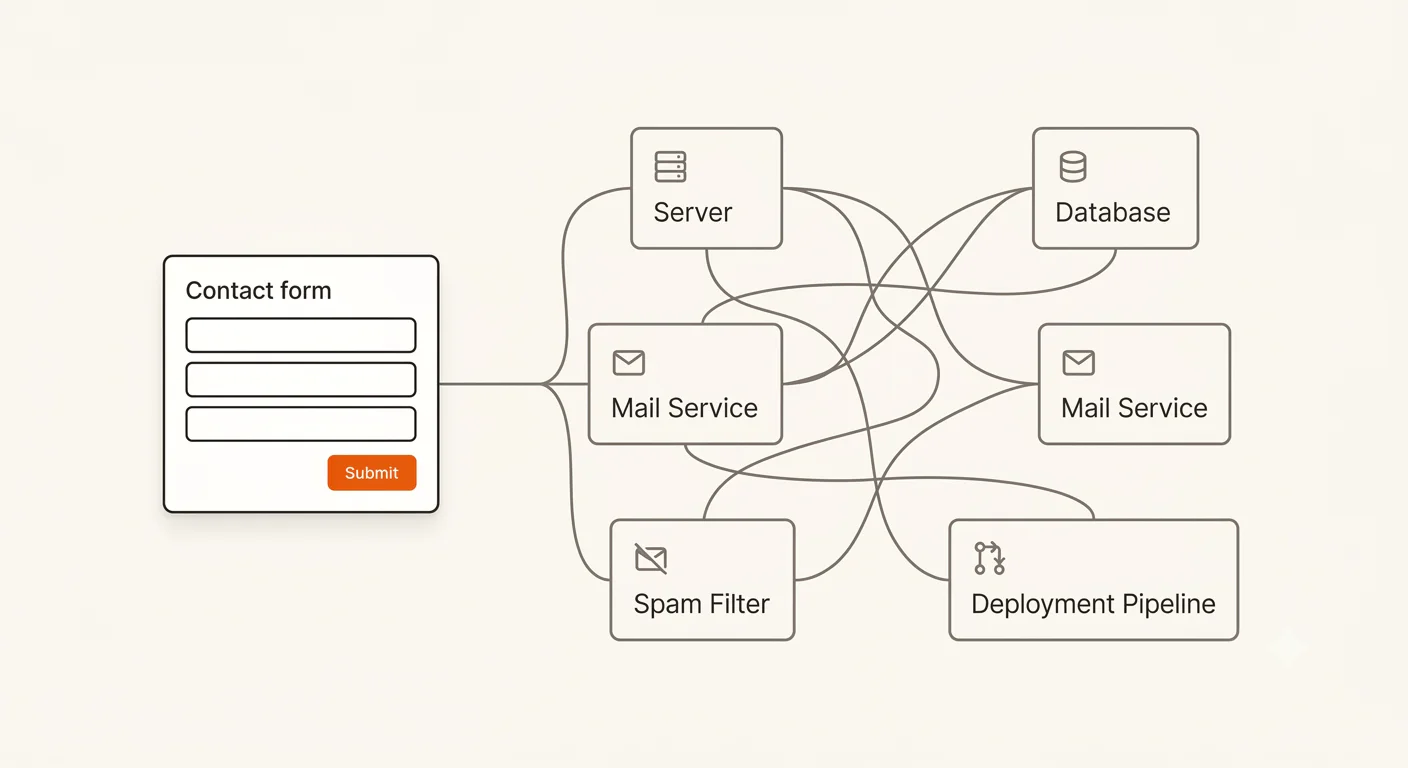
Somewhere to send it.
A plain <form> has no destination until you build one. That means a server, a route, and a deployment to keep alive.
Somewhere to keep it.
Email alone is not storage. Miss one, delete one, or lose an inbox, and the enquiry is gone with no record behind it.
Delivery you can trust.
Verified senders, bounce handling, sending limits — mail is its own discipline, and getting it wrong fails silently.
Bots, immediately.
Any public form is found by scrapers within days, and filtering them out becomes a permanent chore.
Days of setup, then a maintenance cost that never ends — for a contact form.
WebForm is the backend your forms were missing.
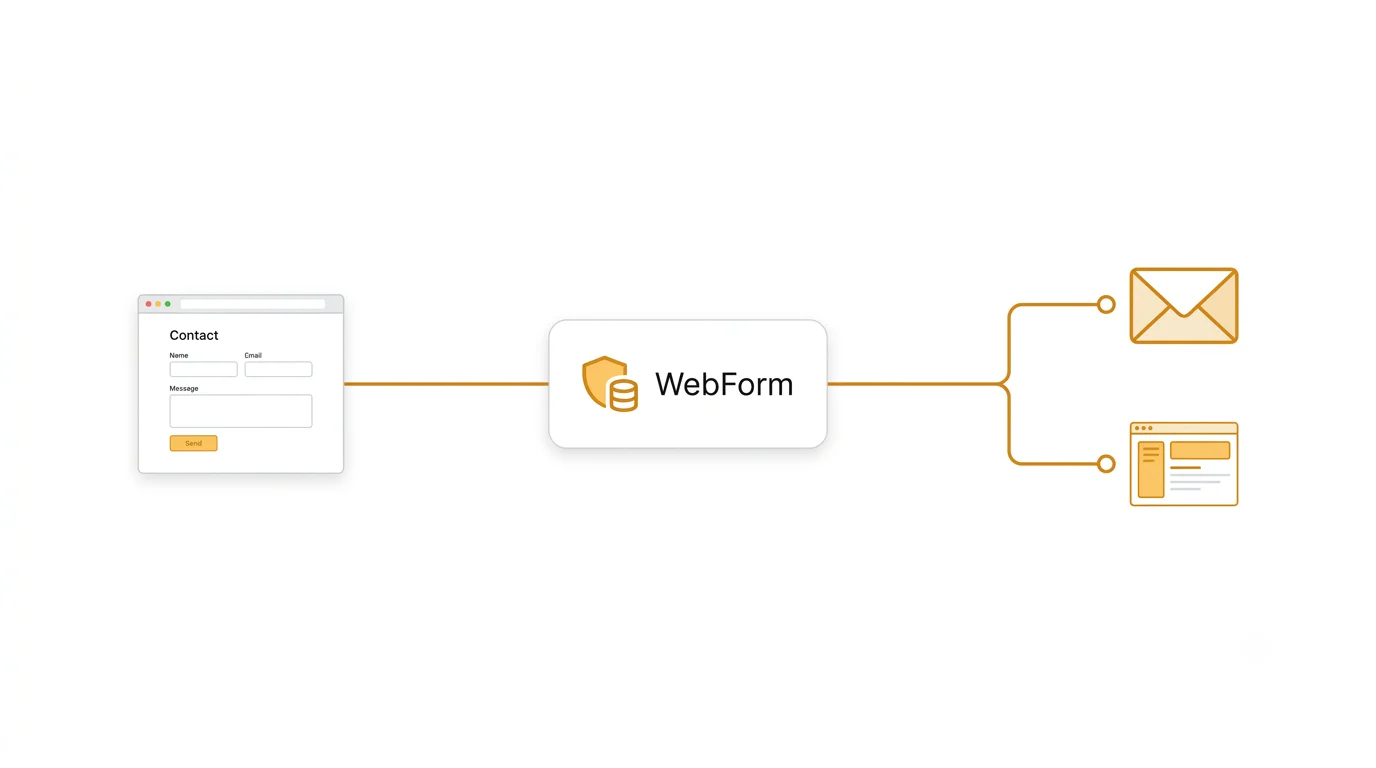
Register your website, and WebForm issues it a unique API key. Your form posts to a single endpoint using that key, and from there everything is handled: the submission is stored, checked for spam, recorded with its full context, and emailed to the addresses you've verified.
You keep your frontend exactly as it is. We run everything behind it.
Live in three steps.
Most sites are collecting submissions in under ten minutes, with nothing new to deploy.
Add your website
Enter a name and domain. WebForm generates a private API key for that site immediately.
Connect your form
Keep your existing markup and add a short script — or, on WordPress, install the plugin (coming soon) and paste the key. No form builder, no redesign, no rebuild of your page.
Any site
<form id="contact-form">
  <input name="name" required />
  <input name="email" type="email" required />
  <textarea name="message" required></textarea>
  <button type="submit">Send</button>
</form>

<script>
  document.getElementById('contact-form').addEventListener('submit', async (e) => {
    e.preventDefault()
    const data = Object.fromEntries(new FormData(e.target))

    await fetch('https://our-api-v1.thehashcode.com/v1/forms/submit', {
      method: 'POST',
      headers: { 'Content-Type': 'application/json', 'x-api-key': 'YOUR_API_KEY' },
      body: JSON.stringify({ form_name: 'contact', data }),
    })

    e.target.reset()
  })
</script>
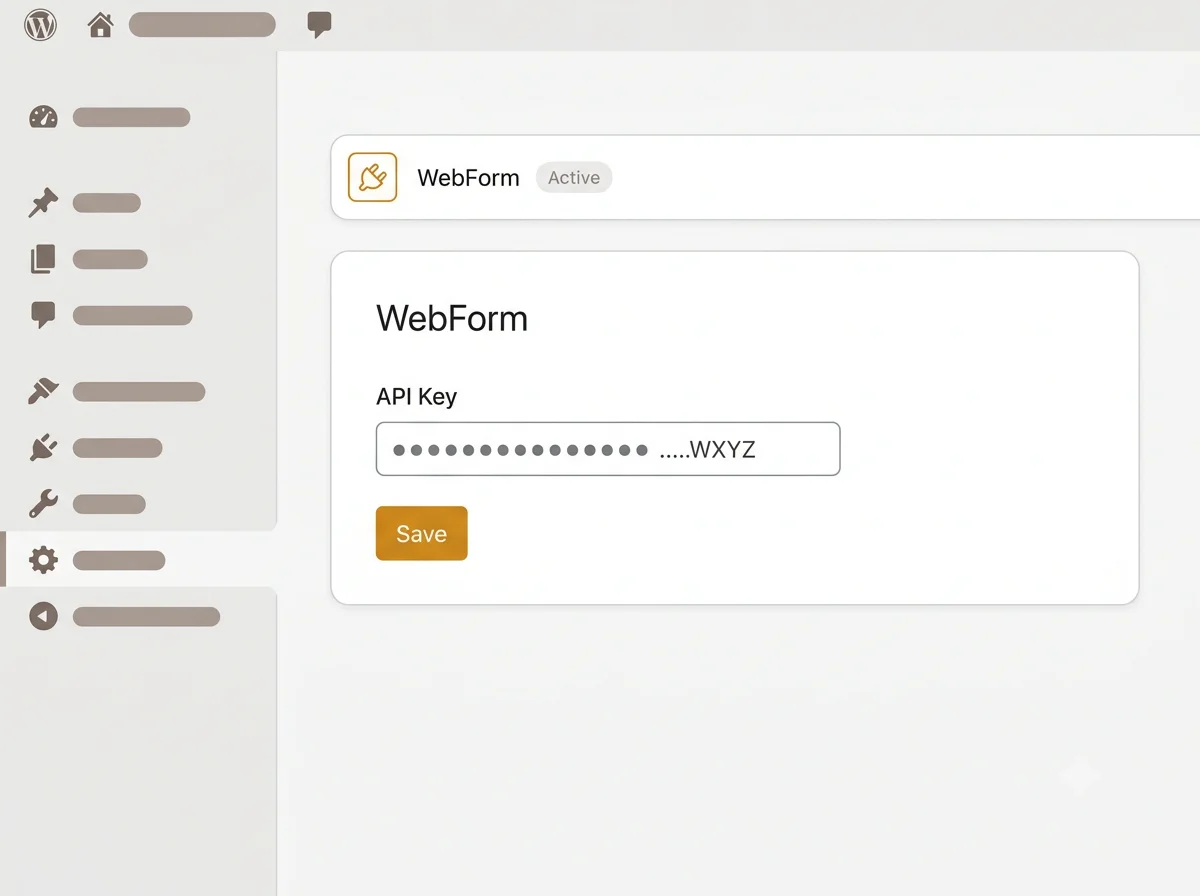
Or on WordPress
Install the WebForm plugin
Coming soonActivate it, paste your API key into the settings, and every form on the site is connected. No snippet, no theme edits, no code at all.
Verify where notifications go
Add the address that should receive submissions and confirm it with a one-time code. Your form is live.
What happens the moment someone hits Send.
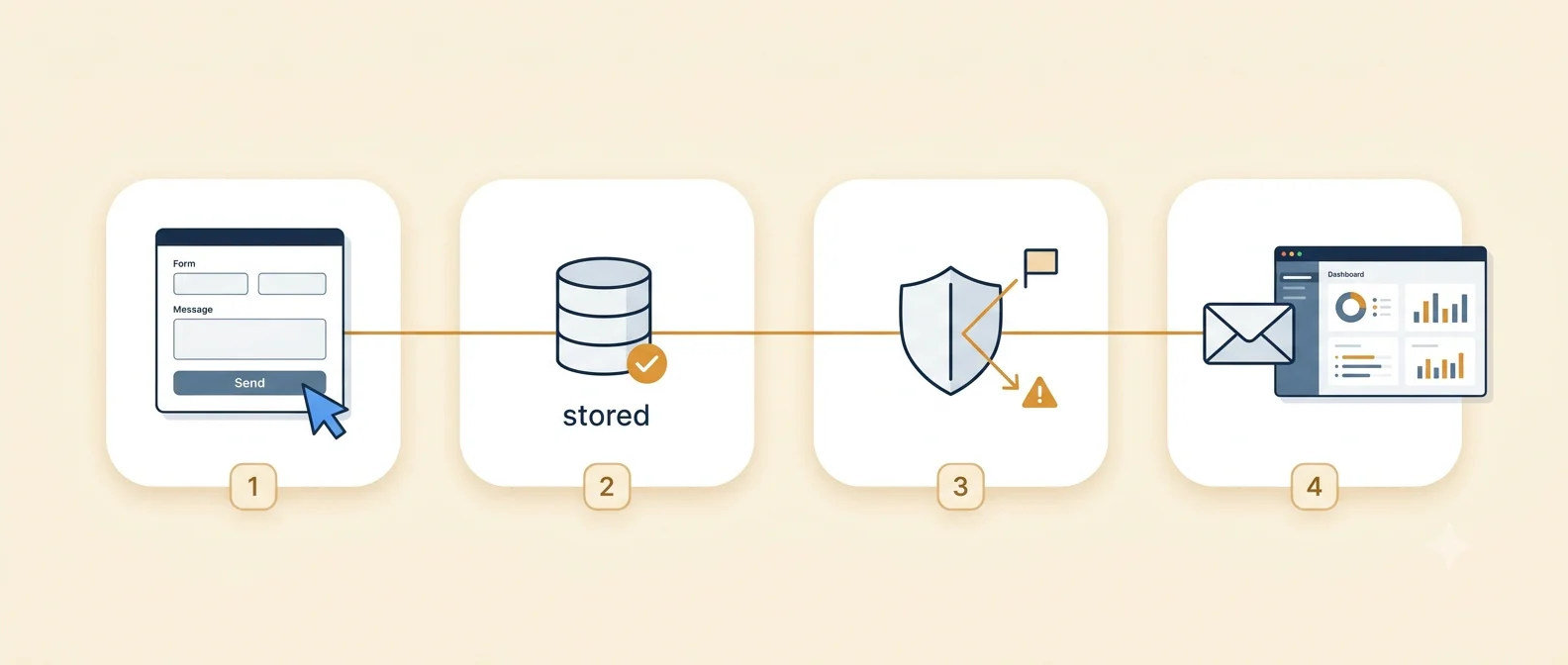
Stored first.
The submission is committed before anything else happens, so a mail problem can never cost you an enquiry.
Screened on arrival.
Rate limiting and spam flagging run automatically, so obvious junk is marked before it reaches you.
Captured with context.
Time, IP address, browser and the exact page it came from are recorded for you — nothing extra to send.
Delivered and kept.
Verified recipients are emailed, and the full record stays searchable in your dashboard.
Why teams choose WebForm.
Free, with no catch.
No credit card and no trial clock — the free plan includes 20 submissions a day. Add a website and start collecting submissions.
Any stack — including WordPress.
Static HTML, a JavaScript framework, or a page builder. On WordPress, the plugin (coming soon) will do the wiring for you.
Every site in one place.
Run a dozen websites from a single dashboard, each with its own key, its own recipients, and its own submission history.
Keys you control.
Keys are scoped to write submissions for one website — nothing more. Rotate one at any time, and the old key stops working immediately.
Built for the people who ship websites.
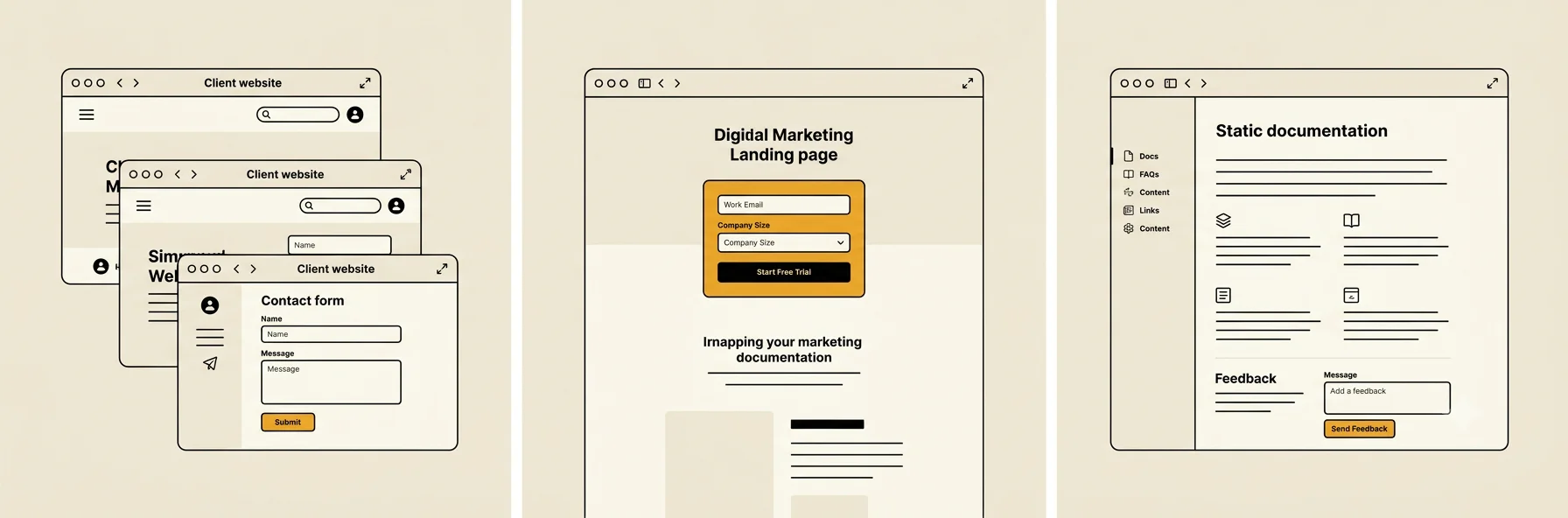
Agencies and freelancers
Hand over a client site — custom build or WordPress — with working forms, and nothing to provision or maintain per client.
Marketing and landing pages
Launch a campaign page on any host and start capturing leads the same day.
Static and JAMstack sites
Add the one dynamic feature a static site usually can't have, without leaving the stack.
Small teams and founders
Get enquiries into an inbox and a searchable record — free, and without hiring backend help for a WordPress site or a custom one.
What the free plan includes.
- Submissions
- 20 per dayUp to 20 form submissions a day on the free plan.
- Recipients per website
- Up to 5Each verified address gets every submission for that site.
- Data retention
- Until you delete itEvery submission stays in your dashboard until you remove it.
Need higher limits? Paid plans are available — contact us about WebForm paid plans.
Questions, answered.
Is it really free?
Yes. The free plan needs no credit card and has no trial clock. It includes 20 submissions per day, up to 5 recipients per website, and keeps every submission until you delete it. Higher limits are available on paid plans.
Do I have to rebuild my form?
No. Keep your existing markup and add a short script that posts to WebForm — or, on WordPress, the plugin (coming soon) will do the wiring for you.
How many submissions can I receive?
The free plan accepts up to 20 form submissions per day. Higher limits are available on paid plans.
Does it work on a static site?
Yes — that's the common case. There's no server-side requirement; the request comes from the browser, so any host works.
Is the API key safe in my page?
It's meant to be public. A key can only write a submission to the one website it belongs to — it can't read submissions, change settings, or alter who gets notified. Rotate it whenever you like.
Can several people be notified?
Yes. Add up to 5 recipient addresses per website; each confirms with a one-time code before it starts receiving anything.
What if I want to see an old submission?
Everything is kept in your dashboard until you delete it, searchable by content and filterable by website.
Add your first form today — free.
Register a website, copy the key, paste the snippet. The next person who fills in your form will already be waiting in your dashboard.